Vous venez d'obtenir votre Raspberry Pi 4 et vous vous demandez de quels accessoires vous allez avoir besoin ? Vous êtes au bon endroit ! Nous allons voir dans cet article quels sont les éléments indispensables au bon fonctionnement de ce dernier. Nous verrons aussi ce dont on a besoin pour utiliser les GPIOs du Raspberry et s'initier à l'électronique et à la programmation.
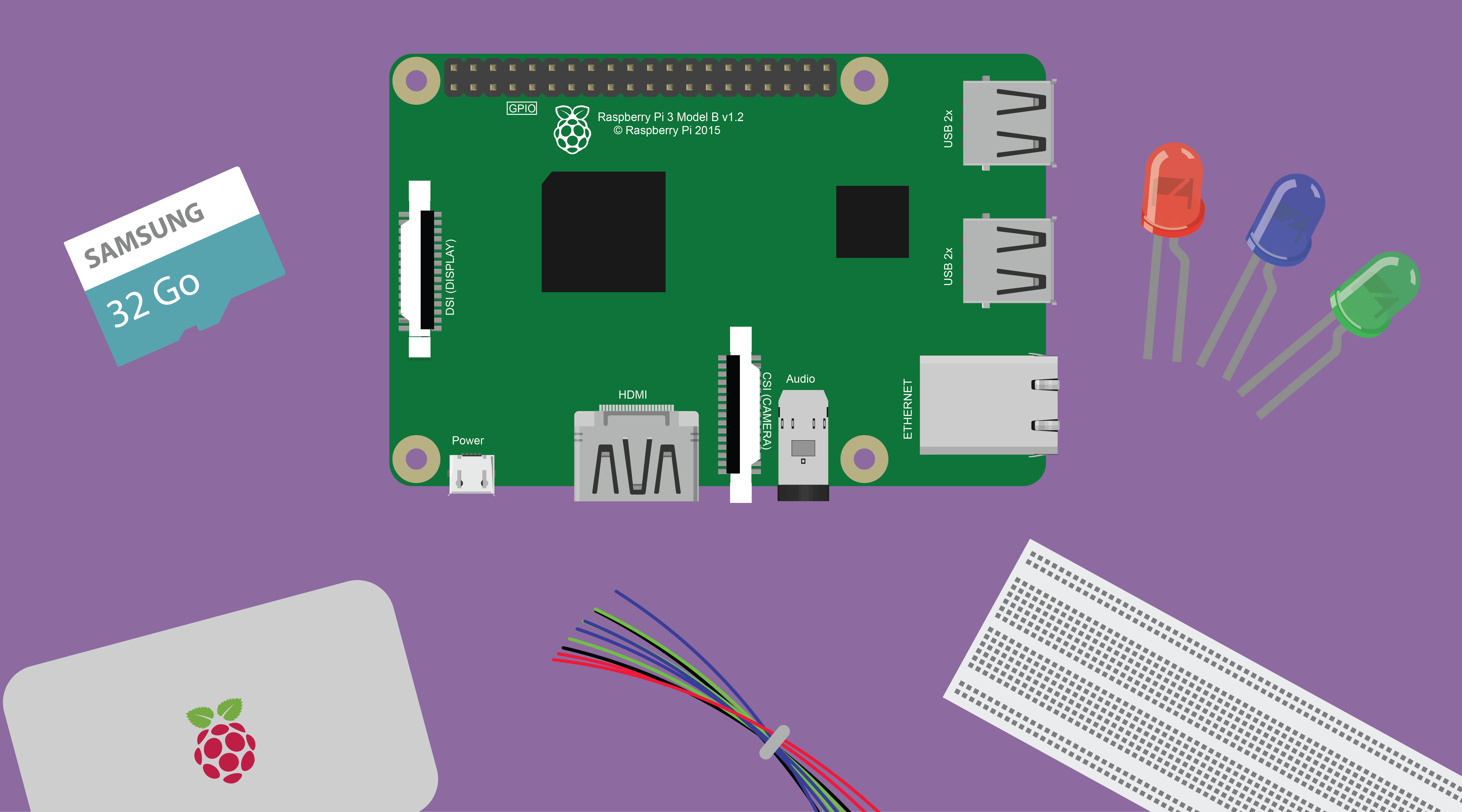
Les indispensables (peu importe l'utilisation)
Commençons par les accessoires nécessaires au fonctionnement du Raspberry Pi, quelqu'en soit son utilisation.

Carte MicroSD
Pour fonctionner correctement, le Raspberry Pi va avoir besoin de stockage, comme tout ordinateur. On va trouver sur ce stockage le système d’exploitation (OS) du Raspberry, ainsi que tous types de fichiers que l’on va pouvoir sauvegarder dessus : programmes, fichiers textes, audio, vidéo… En fonction des utilisations, il va falloir choisir une carte MicroSD possédant plus ou moins de mémoire. La "norme" étant 16 Go, qui permet de faire beaucoup de choses. Cependant, si vous souhaitez stocker images et vidéos, que vous voulez en faire un NAS, ou autre, optez pour une carte de 32Go, voire 64Go. Pour ce qui est de la vitesse de lecture et d'écriture, choisir une carte de classe 10 afin d'éviter les latences. Ci-dessous les cartes recommandées pour le Raspberry Pi.
Alimentation
Pour alimenter le Raspberry Pi, les meilleures caractéristiques sont : 5V et 2.5A. Libre à vous de l’alimenter à l’aide du port USB d’un PC mais le mieux reste une alimentation secteur.
Câble HDMI
Un câble HDMI est indispensable pour configurer le Raspberry Pi la première fois et peut toujours servir par la suite.
Kit clavier souris sans fil
Maintenant que le Raspberry a son propre stockage et est alimenté, il va falloir un clavier pour communiquer avec lui. On peut trouver des claviers filaires à moins de 10€ comme celui-ci. Cependant je vous conseille plutôt de vous tourner vers un kit clavier & souris sans fil.
Vous voilà bien équipé pour commencer à utiliser le Raspberry Pi !
Les indispensables pour l'utilisation des GPIOs
Si vous avez prévu d'utiliser les entrées/sorties du Raspberry Pi (GPIO), vous aurez alors besoin de ces accessoires :

Câbles Jumper et BreadBoard
Il existe de trois types de cables: Femelle/Femelle; Male/Femelle; Male/Male. Ils permettent de relier des composants au Raspberry facilement, en complément d'une BreadBoard. Je vous conseille vraiment d'acheter ce kit qui comprend un élément de chaque.
LEDs
Eh oui... car par tradition, la première chose que l'on fera avec les GPIOs est de contempler une LED qui clignote ! A prix bas et utiles dans beaucoup de projets pour communiquer avec l'utilisateur, elles sont indispensables.
Résistances
Elles seront indispensables pour faire fonctionner la plupart des composants qu'on reliera au Raspberry.
Vous voilà bien équipé pour commencer à utiliser les GPIO du Raspberry Pi !


Commentaires